Digital Loyalty Card: How It Works, Setup Guide | Qtap
.svg)


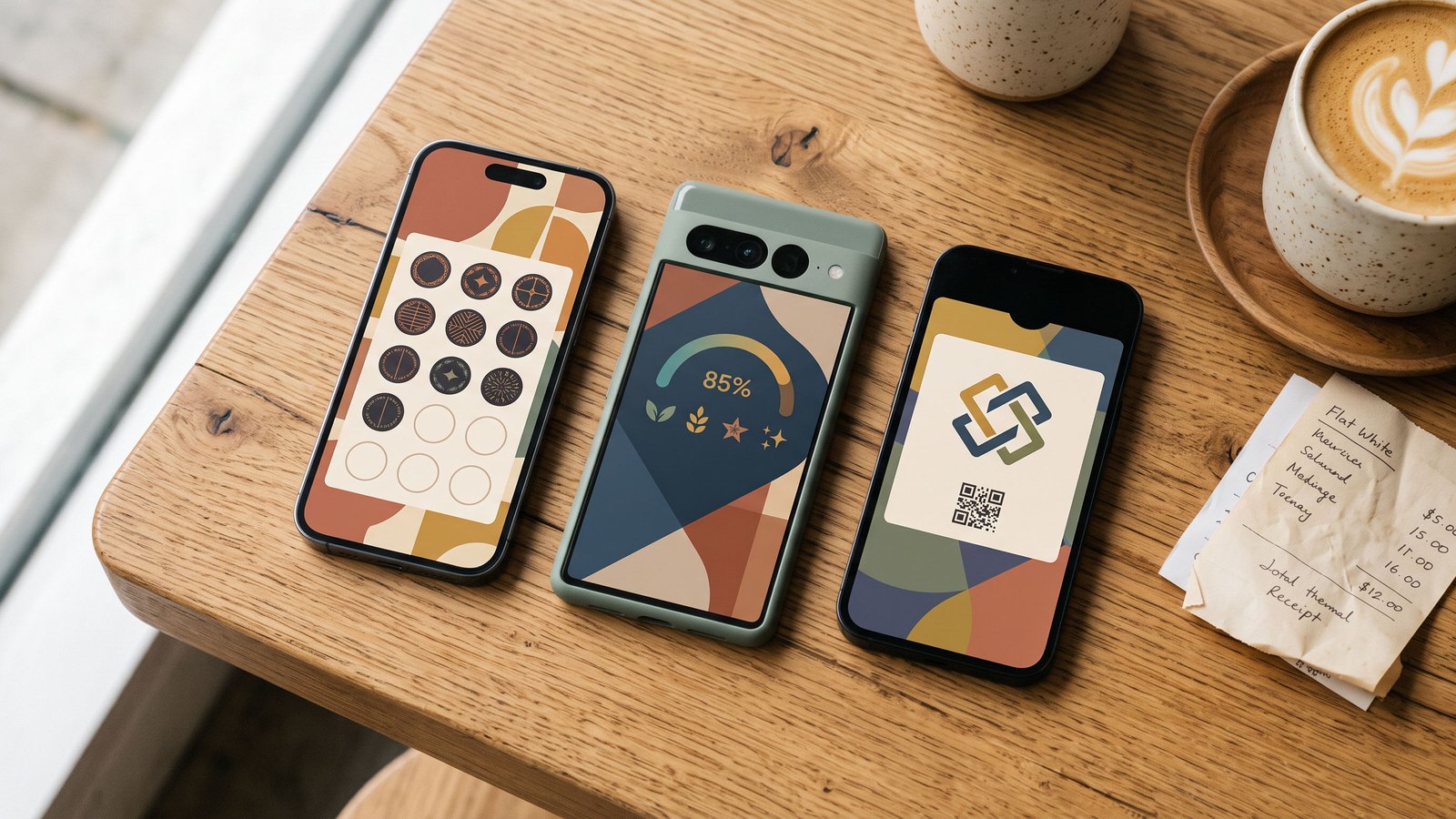
A digital loyalty card is a stamp or points card that lives on a customer's phone instead of in their wallet. They join by scanning a QR code, the card sits in Apple Wallet or Google Wallet, and every visit updates it. You get a record of who came in. They get a card they cannot lose.
That is the whole idea. The rest of this guide is the detail owners ask me about: how the card works at the counter, the three kinds and which one to pick, how many stamps to set, what it costs, and how to have one running before Friday.
How a digital loyalty card works
Joining. The customer scans a QR code at the counter or opens a link you share. One tap and the card is in their Wallet under your name and colour. No form, no password, no app store. It takes about as long as a contactless payment.
Earning. Your staff scan the customer's pass from any phone, or the customer scans your code, depending on the platform. The stamp appears on the card in their pocket within a second. Points programs work the same way, with the amount entered instead of a stamp.
Redeeming. When the card fills, the reward shows on the pass and, on platforms with a customer app, as a voucher they can open and use. Staff mark it used and the card starts again. The redemption is logged, which paper never managed.
The three kinds, and which to pick
Wallet pass cards live in Apple Wallet or Google Wallet. Nothing to install, the card updates itself, and push notifications reach the lock screen. This is the right default for a cafe, a barbershop or a salon. It is what Qtap issues first.
Browser cards open as a web page after the scan. Cheap and simple, but the customer has to find the page again, and there is no lock-screen presence. Fine for a test, weak for a habit.
App cards require the customer to install the platform's app. This is what Starbucks does, and it works for Starbucks because people go there four times a week. For an independent shop, the install is where most customers quietly drop out. The better platforms offer the app as a second step for people who want their rewards, history and every card in one place, with the Wallet pass doing the joining.
Stamps or points
Stamps when every visit is about the same size. A coffee, a haircut, a class. One stamp per visit is fair and the customer can see exactly where they stand.
Points when the basket varies. A cafe with a breakfast menu, a restaurant, a shop. One point per dollar, riyal or dirham means the person who spends 60 on eggs and a flat white moves faster than the person who buys an espresso, which is what you want.
Pick one per card. Running both on the same card confuses the customer and the barista.
How many stamps
Set the card so a regular finishes it in about three weeks. For a cafe, that means eight stamps: a three-a-week customer completes it in under three weeks and the reward costs you the milk and the beans. Barbershops run five or six, because visits are three weeks apart. Salons and gyms go ten to twelve.
Two settings worth switching on from day one. Start every new card with the first stamp already given, because a card with visible progress gets finished far more often than a blank one. And put a small reward part-way, a free size upgrade at stamp four, so the first win arrives early. Starbucks worked out both of these years ago. On a digital card they are checkboxes.
Ready to try Qtap?
What you learn that paper never told you
Once the card is digital, the numbers appear on their own. How many people joined this week. How many cards get finished versus abandoned, which tells you if the reward is too far away. Which hours your regulars actually come in. And on the better platforms, which regulars are drifting: the customer who came every weekday and has now missed eight days, flagged before they are gone, with one tap to send them a reason to come back.
The card is also what makes campaigns possible. A pull offer you publish for anyone to claim, buy one get one on hot drinks with a claim limit. A push campaign that goes only to members who have not been in for two weeks. A notification to everyone one stamp away from a reward, sent at 7am. On Qtap you can even connect ChatGPT or Claude to the numbers and ask which of those to run this week. That is the part the chains paid millions for, and it is the difference between a loyalty card and a loyalty program.
What a digital loyalty card costs
Free tiers exist and are fine for a two-week test, usually capped by members or stamps. Paid plans for a single shop run from about $25 to $50 a month across the platforms I know. Qtap is $29 a month with no per-stamp fees. The thing to avoid is per-customer or per-message pricing, which punishes you for the program working.
Set one up before Friday
Pick stamps or points and the reward. Eight coffees, the ninth free, is the default that works. Upload your logo and pick your card colour. Print the QR and stand it by the card machine, not by the door. Tell staff the one sentence: "scan this and your ninth coffee is free." Run it for a week and count how many people added the card. If it is under a third of your regulars, the QR is in the wrong place or the sentence is not being said.
Keep any paper cards going for a month and transfer stamps for anyone who brings one in. Most shops retire paper within a few weeks once the counter routine settles.
Mistakes I see every week
A reward that takes twelve visits at a place people visit twice a month. A QR taped to the wall behind the barista where nobody can reach it. A program that was never mentioned out loud. And the loyalty app nobody installed, chosen because it had the longest feature list, which is the one this whole guide is trying to save you from.
Questions owners ask
Do customers need an app for a digital loyalty card?
Not to join or to collect stamps, if the card lives in Apple Wallet or Google Wallet. The app is where they see rewards, redeem them and keep every card in one place, so it is recommended, not required.
Can a digital loyalty card work without a POS integration?
Yes. Staff stamp from a phone, the same way they would tap a card machine. It keeps working when the POS updates or the internet at the counter drops. POS-integrated loyalty removes the second step but ties you to that POS.
Is a digital stamp card the same as a punch card app?
They describe the same thing. A punch card app usually means the platform's own app on the customer's phone. A digital stamp card can also be a Wallet pass, which needs no install and is the version most independent shops should start with.
Abdalle Ali, founder of Qtap. If you run a cafe, this is what a cafe program looks like. Questions to hello@qtap.qa.
.svg)